Sheet Types explained
A comprehensive guide to all available sheet types and when to use each one.
All Sheet Types Explained
Tracing Sheets
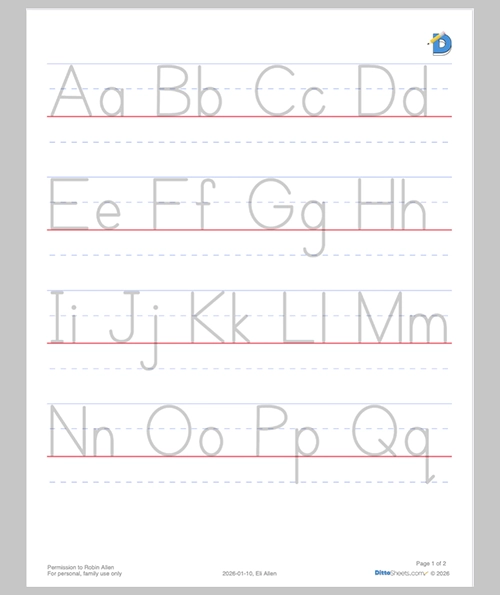
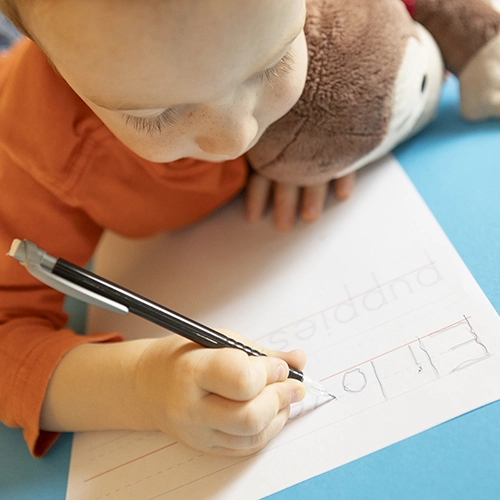
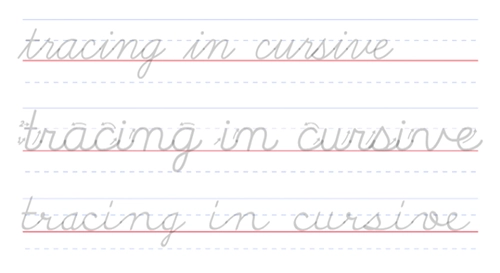
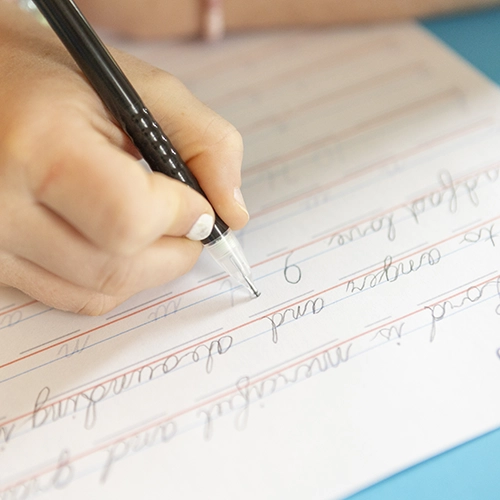
Tracing is the time-honored practice of the student moving her pencil to follow pre-drawn lines, honing her fine-motor skills, hand-eye coordination, and muscle memory, building the habit of proper letter formation.
Who benefits from tracing?...
- Students learning to print for the first time
- Students learning cursive for the first time
- Building muscle memory for proper letter shapes
- Students who need scaffolding
- Students needing to correct some bad penmanship habits
Tracing modifications...
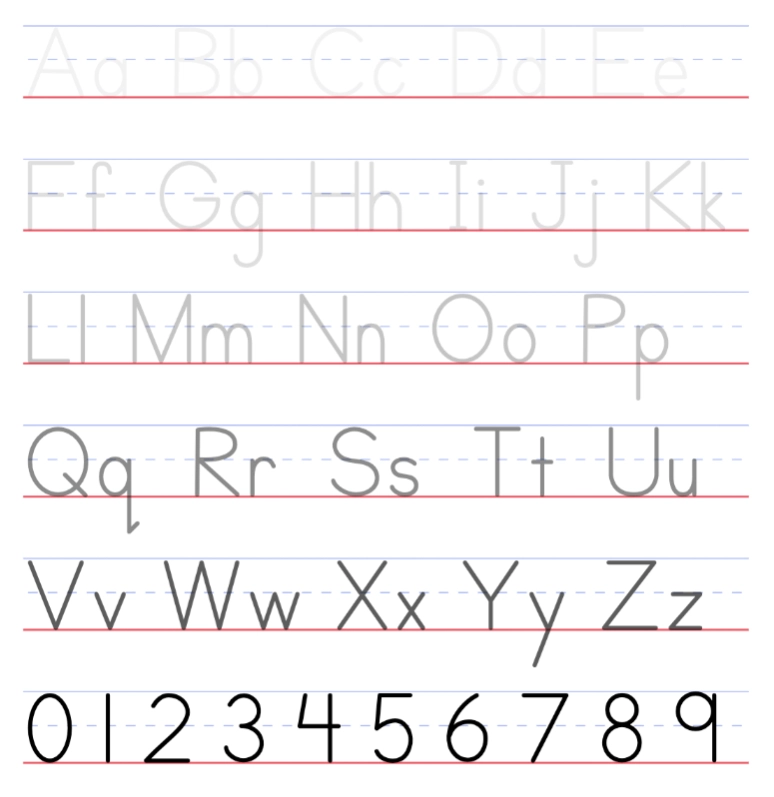
You can adjust the tracing darkness from very light (harder to see, less guidance) to darker (easier to follow). We will cover this setting in detail in another lesson.
Copywork
Traditional Copywork shows the source text as well as a space for the student to copy the words.
Who benefits from Copywork?...
- Students who have mastered basic letter formation
- Students building writing fluency and speed
- Students who are working on developing neat handwriting
- Students with memorization goals
- Students working on spelling
These are the two main styles of copywork:
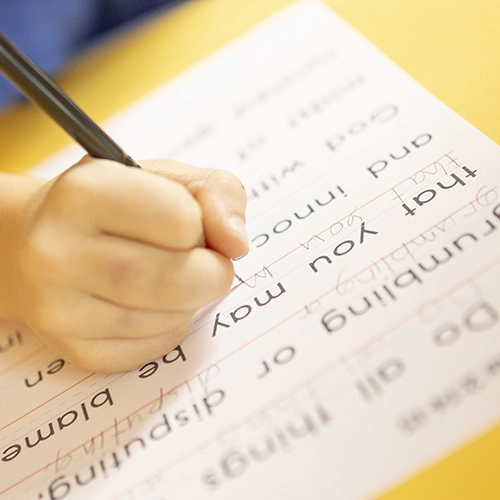
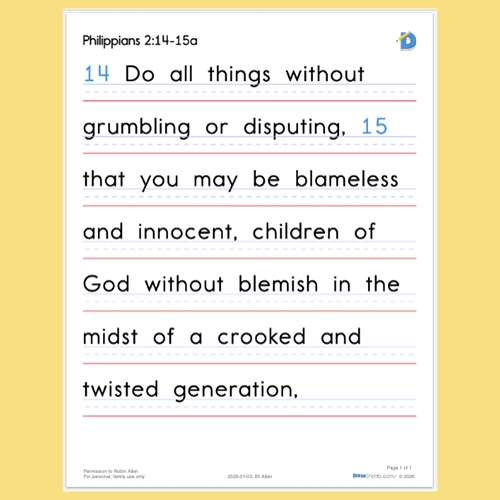
With DittoSheet's favorite style, the source text is exactly above the student's space to write the copied word. In this style, the student will mimic the shape and size of the letters exactly. Since the source text is in close proximity, it is easier to identify the similarities and differences between the source text and what the student wrote. This make correction of penmanship AND spelling much easier.
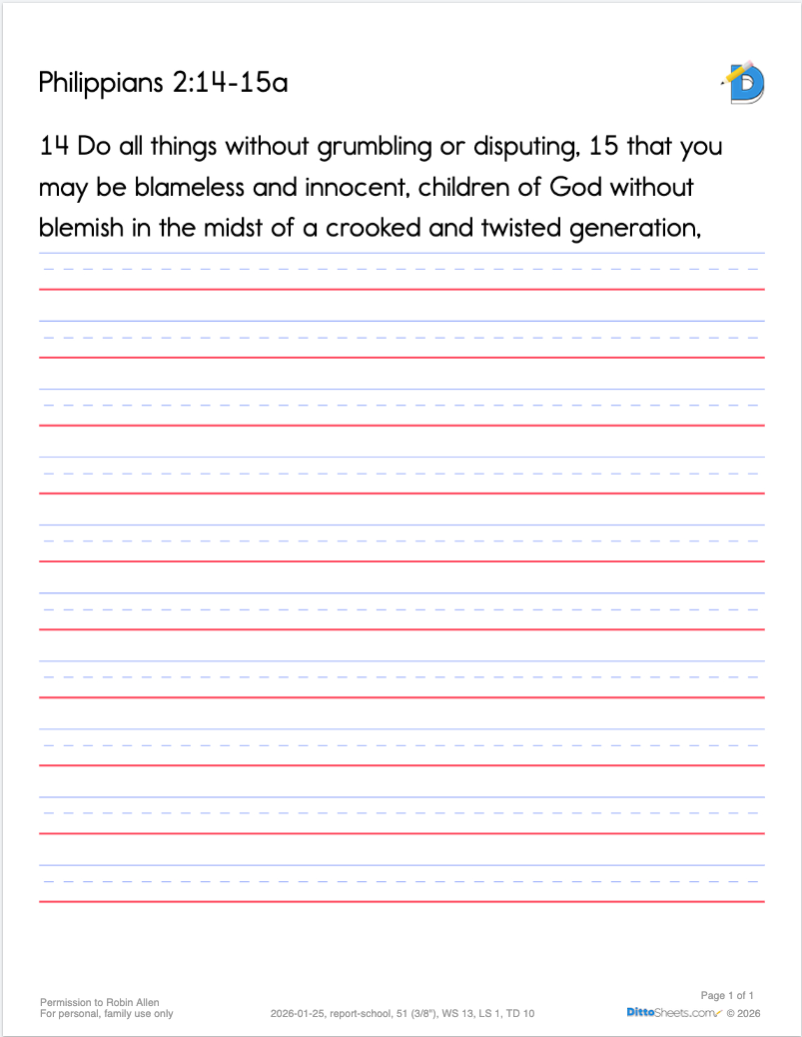
Older copywork, (referred to as Throwback copywork) has the source test all at the top, and the writing lines all at the bottom. Also, the typeface for the source text in not necessarily meant to be an example for handwriting purposes.
First Letter Hints
First Letter Hints shows the first letter of each word and a blank line which is the correct length of that word, Together, the first letter and the length of the line act as a hint for recalling the missing word.
This Sheet Type is Step 2 in the Three-step method.
What is First Letter Hints for?...
- First Letter Hints Sheet Type serves as a bridge between copywork (when a text has not yet been memorized) and complete memorization.
- This Sheet Type allows a student to fill in the missing words independently.
- This Sheet Type can serve as a quiz
- Since this is a fill-in-the blank situation, the worksheet is gradable, unlike the occasionally nebulous verbal recitation.
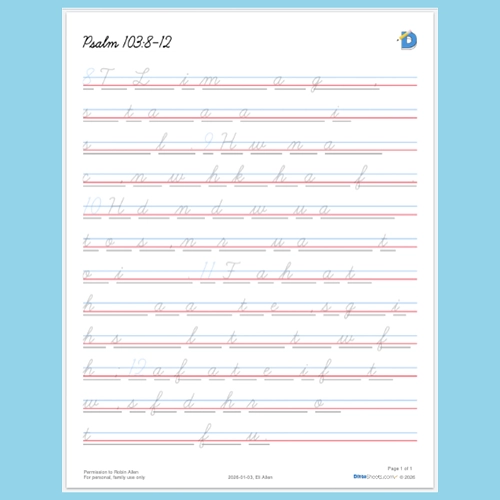
When we first wrote this feature and printed it so my daughter could challenge herself using the First Letter Hints, she did something unexpected. She didn't write the first letter!
Robin
So for Psalm 103:8, she was literally only writing, " he ord s erciful nd racious low o nger nd bounding n teadfast ove."
So, immediately, I asked my darling husband to please make all those first letters into tracing letters!
⭐️Keep that in mind... you can tweak tracing darkness if you think the letters are too light or too dark!
First Letter Hints modifications...
- The first letter's darkness can be whisper light, or turn up to black. Look for Tracing Darkness in the Body area of the Sheet Builder.
- Punctuation throughout a text can either be on or off. We recommend keeping the punctuation on, so it serves as a reference point in the text.
Memory Lines
This Sheet Type is an increased level of difficulty from the previously mentions First Letter Hints. Only the blank line of the word is shown. That line is also the length of the missing word.
This Sheet Type is Step 3 in the Three-step method.
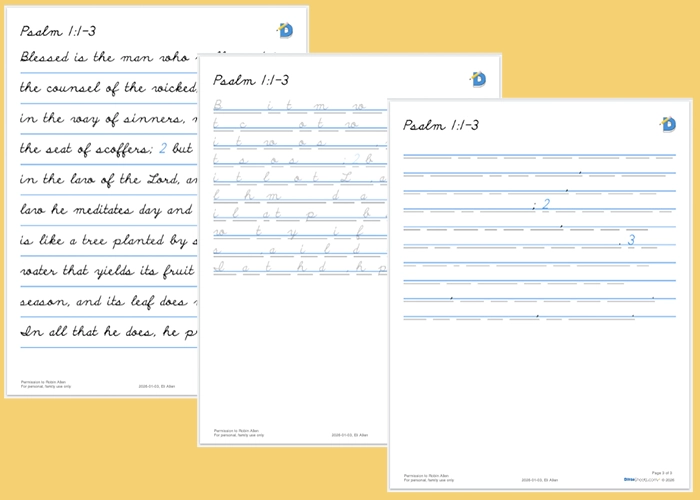
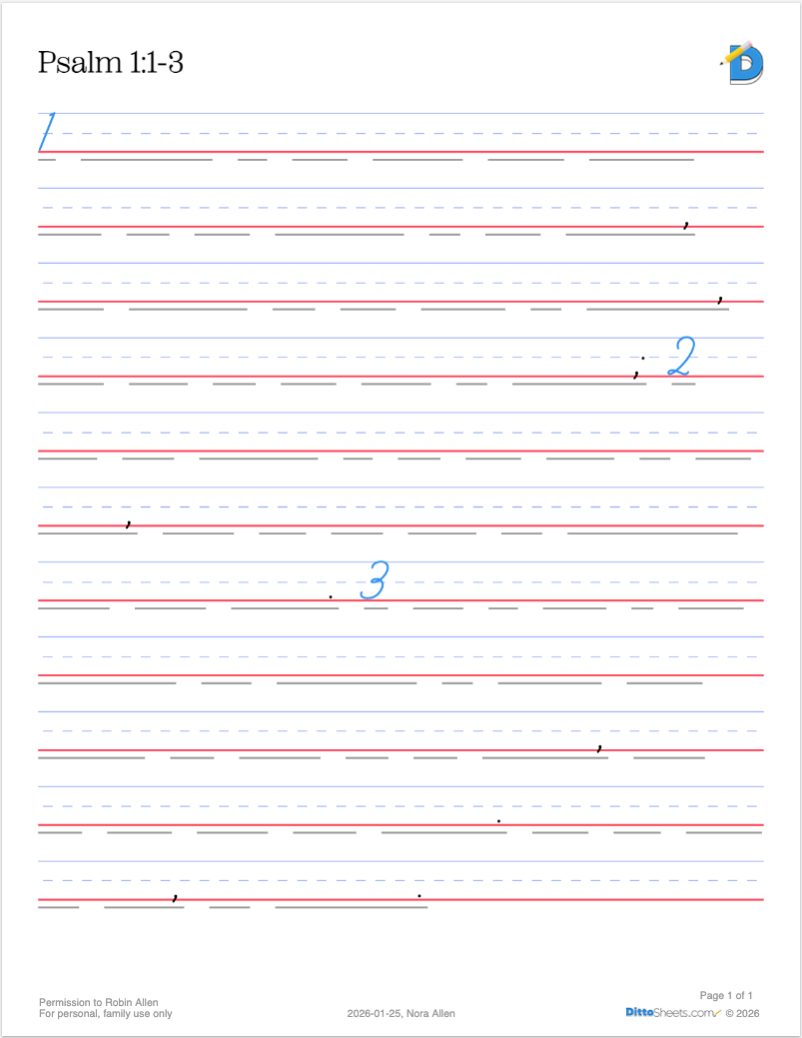
What is Memory Lines used for?...
- This step completes the bridge between copywork and complete memorization.
- This Sheet Type allows a student to fill in the missing words independently.
- Memory Lines serves as a written quiz/test for the student.
- Since this is a fill-in-the blank situation, the worksheet is gradable, unlike the occasionally nebulous verbal recitation.
Memory Lines modifications...
- Keep the punctuation ON for reference points throughout the Sheet.
- Or turn OFF the punctuation for increased difficulty.
- Keep all numbers ON for reference points throughout the Sheet. e.g. like keeping Bible verse numbers on.
- Or treat numbers as if they were words and thereby requiring the student to fill in the missing number.
First Letters Only (FLO)
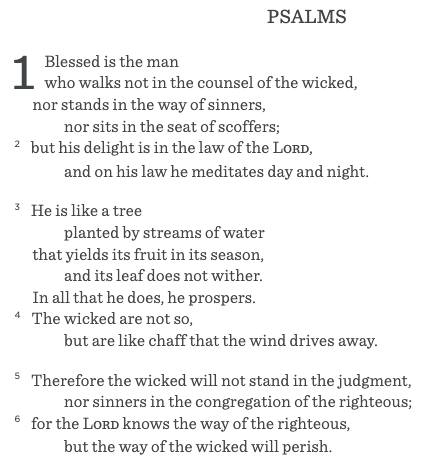
This Sheet Type is not a fill-in-the-blank situation. i.e. No blank lines on the Sheet. When a text is typed or pasted into the body field, the PDF will show ONLY the first letter of every word.
What is First Letters Only used for?...
- Memorization
- Memory work
- To easily remember a text
- Scripture Memory
- Memorizing lines in a play
- memorizing speeches, documents, or literally ANY text that is built on words.
- see a pattern? 😂
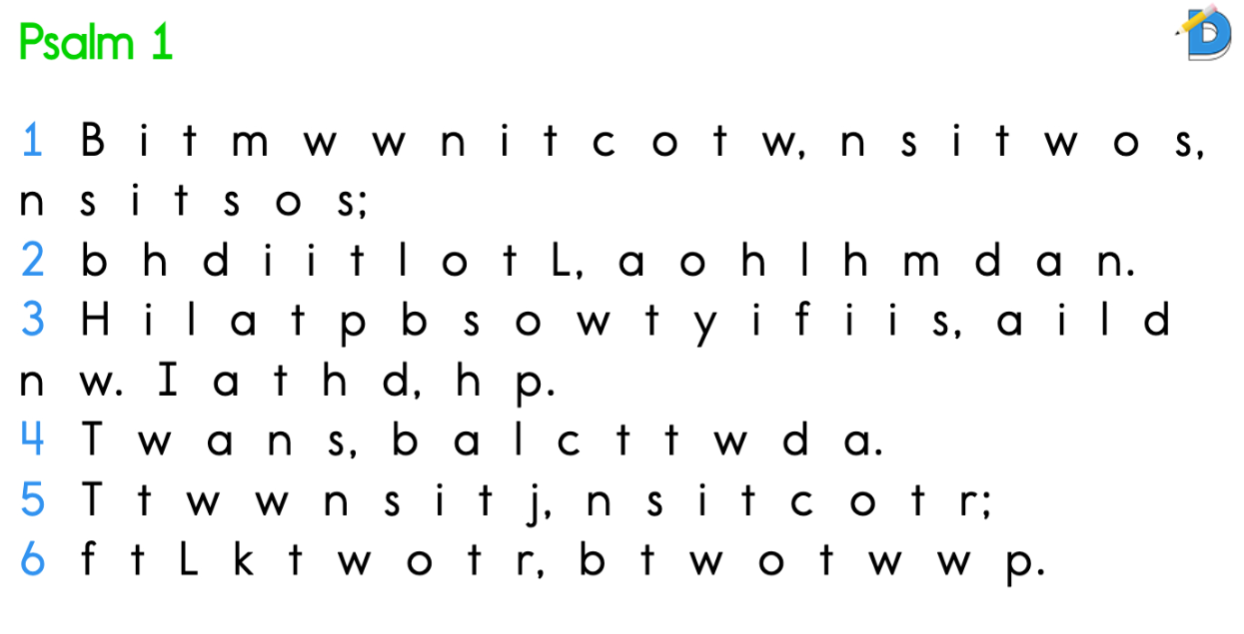
FLO modifications...
- Keep the punctuation ON for reference points throughout the Sheet.
- Or turn OFF the punctuation for increased difficulty.
- Keep all numbers blue to differentiate them throughout the Sheet. e.g. like keeping Bible verse numbers blue so your brain can easily skip over them when reading the FLO. (recommended)
- Or you can choose to let the numbers be the same as the rest of the text.
Redacting...
Why redact words?...
- Hiding Every Other Word is a fun Cloze Activity
- This Sheet Type is an interesting challenge for students working on memorizing a text
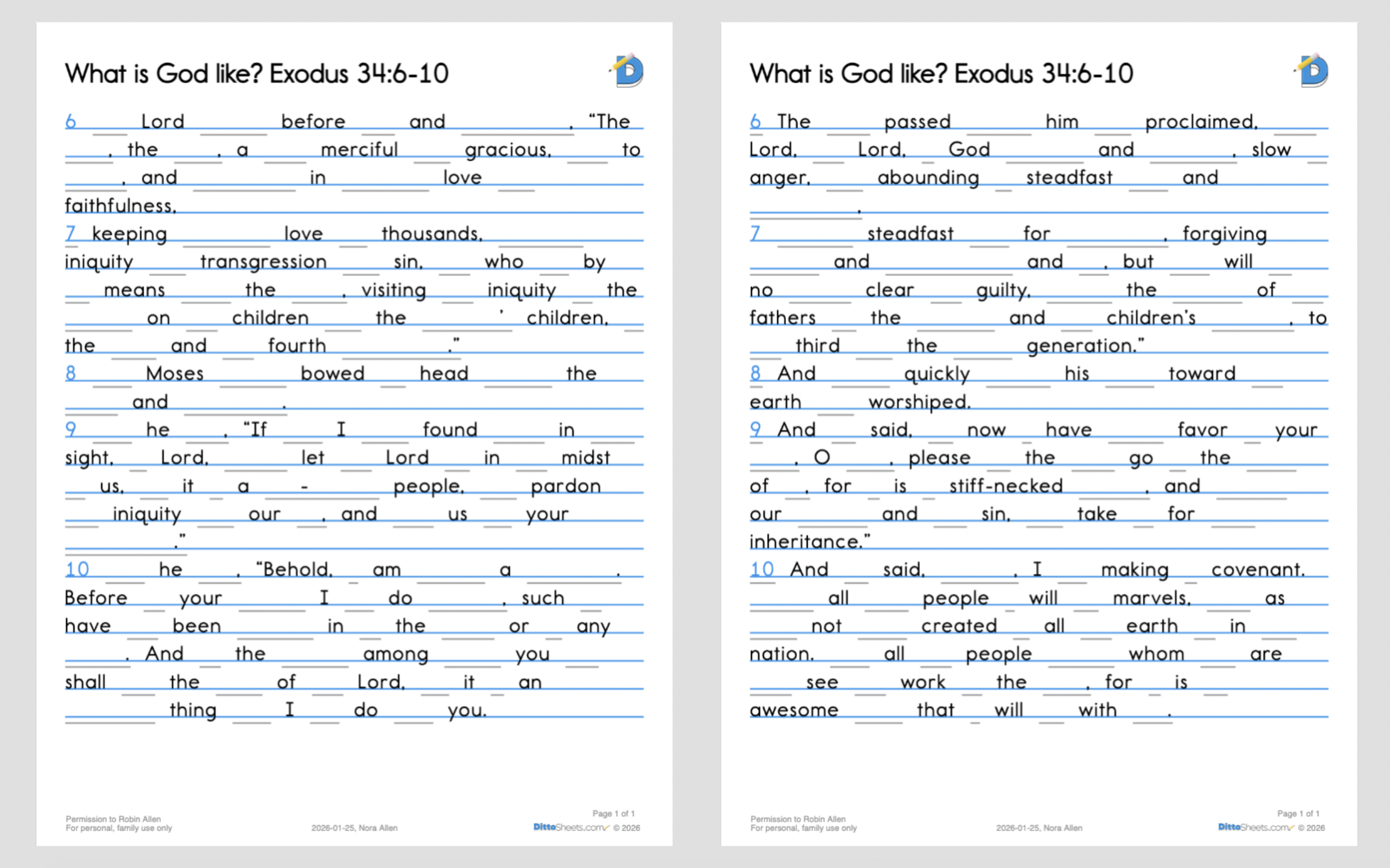
Redacting: Every Other Word
Redacting Every Other Word hides alternating words. The missing words are turned into blank lines. There is a Sister Sheet Type: Reverse Every Other Word
Redacting: Randomized
Randomly redact a set percentage of the words. The missing words are turned into blank lines.
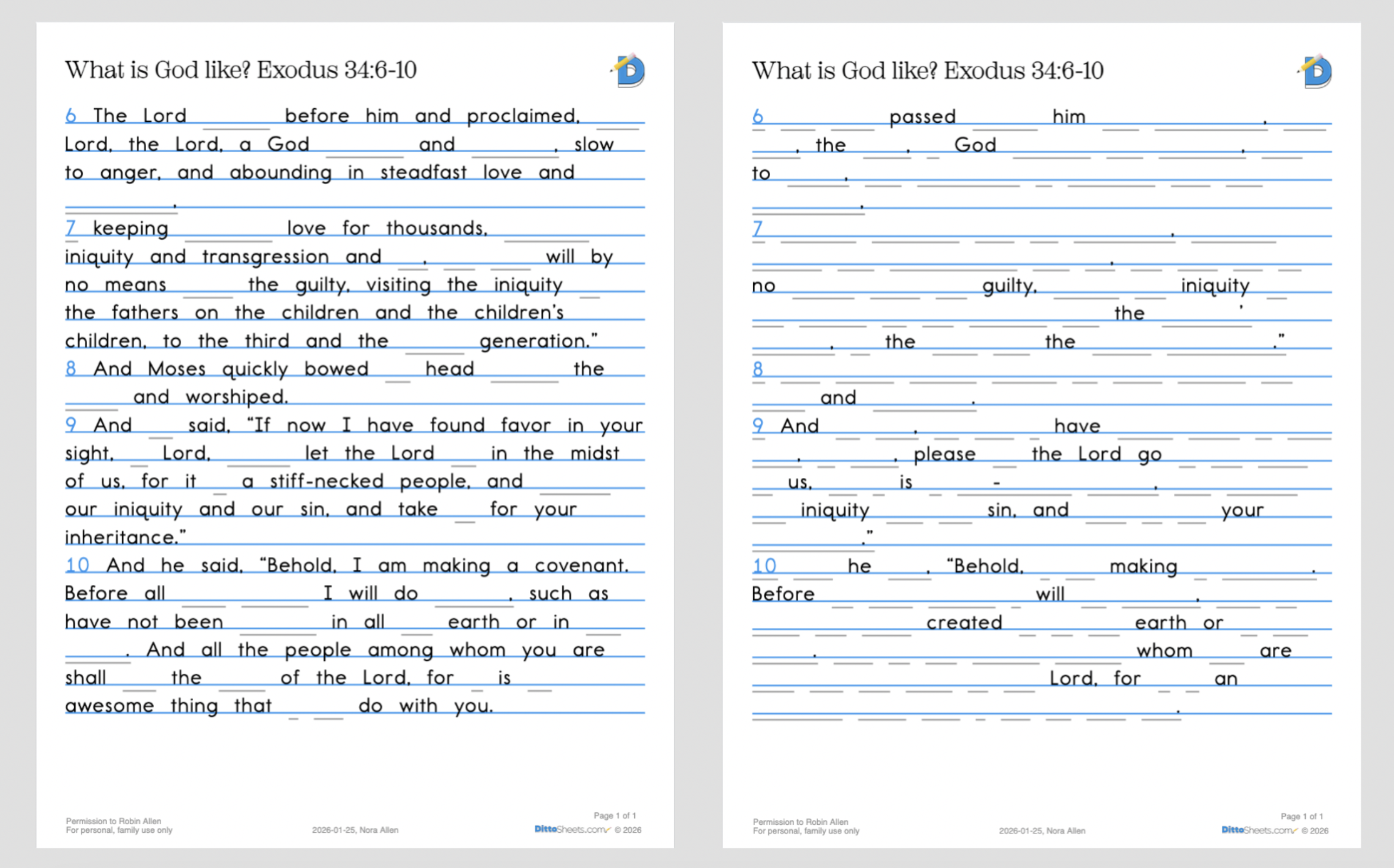
On the right: a random 80% of the words have been redacted
Redacting: Manual
You choose which specific words to redact
Manual Redacting is very useful as a teaching tool even if the goal is not memorization.
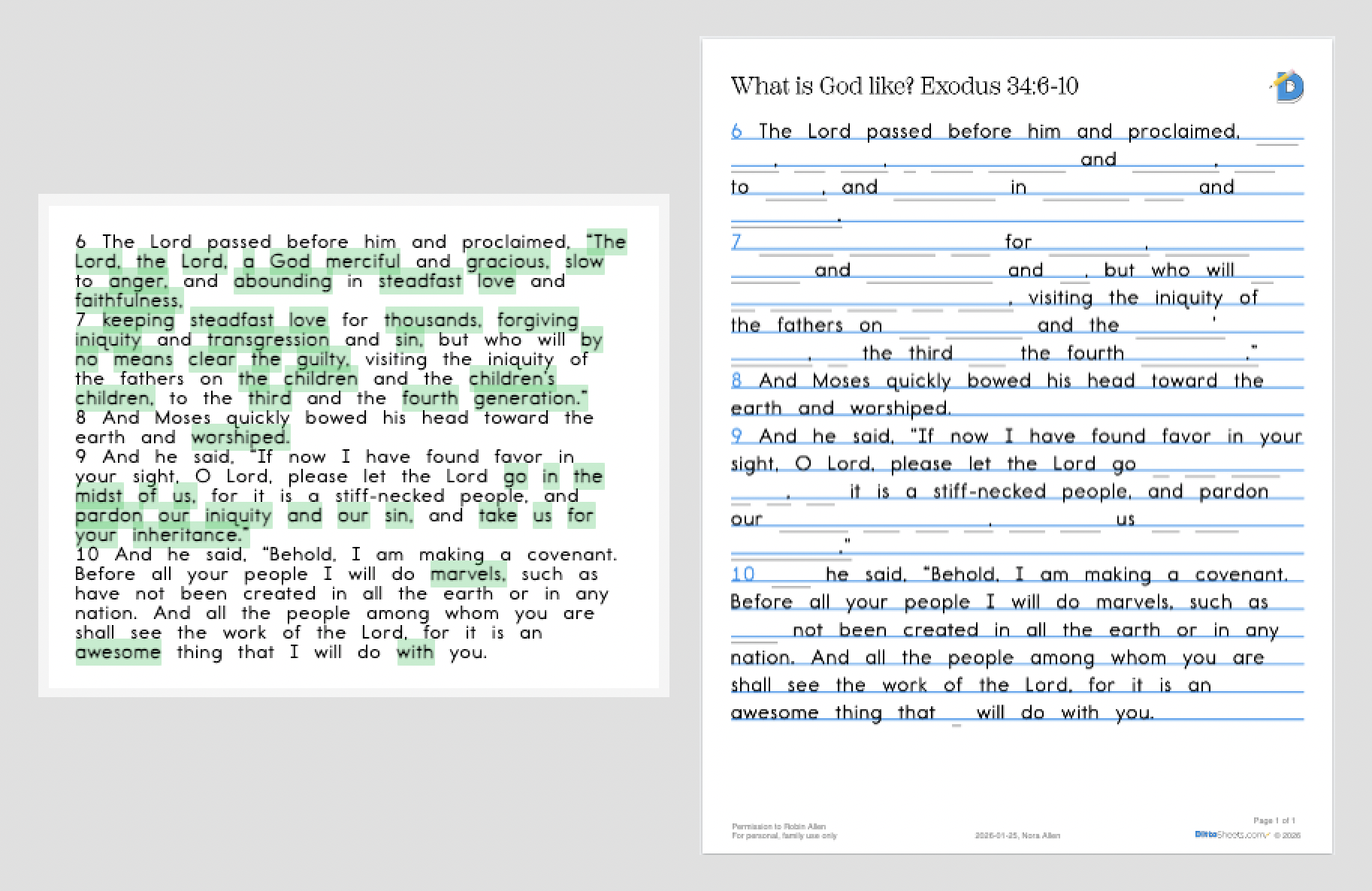
On the right shows the PDF reflecting my redactions.
Source Text Sheet Type
Source Text is a simple, straightforward copy of the text. No lines to fill in or First Letters to guess.
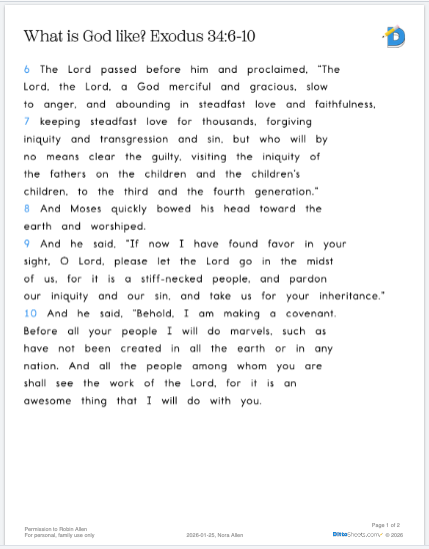
When I first used DittoSheets in my own home, I use the our software to recreate a spelling curriculum I had used in the past, only with text that I wanted my student to memorize, e.g. Scripture.
Robin
One of the key elements of that wonderful curriculum was the student would "chunk" the plain text (which means she marked vowel teams in one color, bossy r in an other color, tricky y in another color, etc.)
So when I printed the whole week out at once, I needed Source text on one side of her binder, and the place for copywork on the other side of her binder.