Setting up Sheet Settings for your Profile
Override the System Defaults to settings that fit YOU!
Setting up Sheet Settings for your Profile
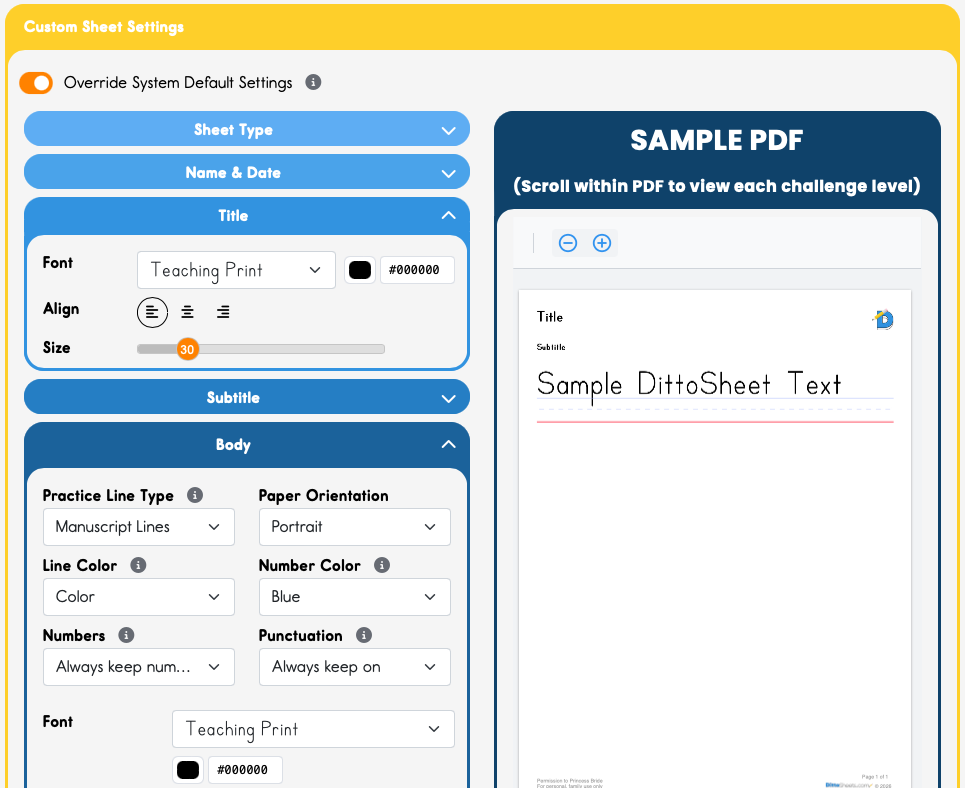
DittoSheets has System Defaults that may not suit your style, so of course we give you a way to change whatever you want!
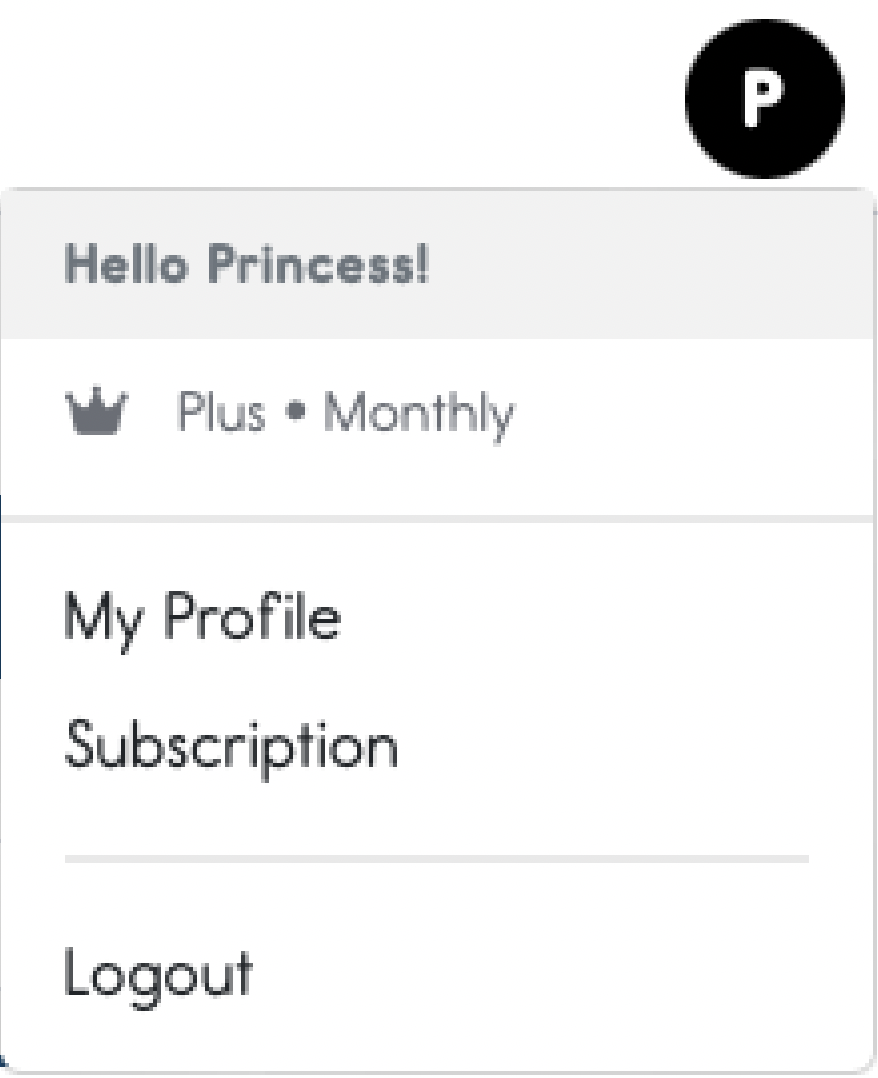
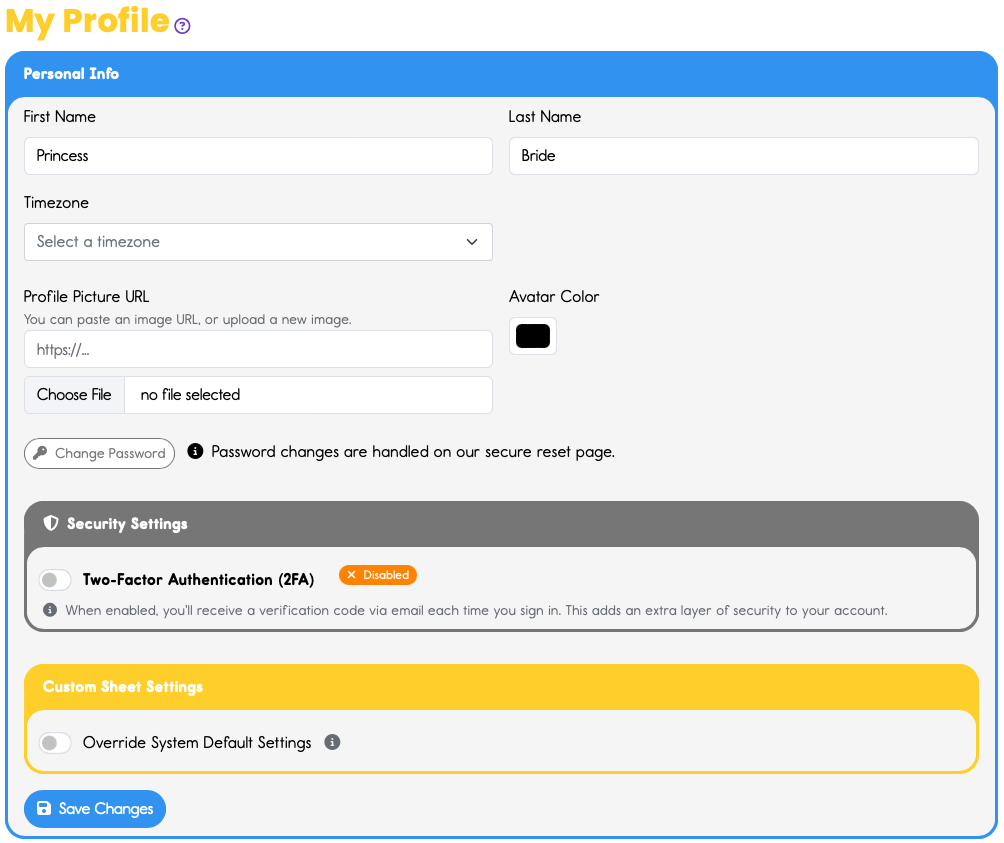
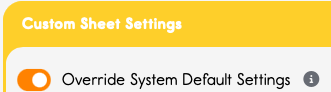
This opens up the Custom Sheet Settings for your Profile. You can choose any setting you like for any of the fields: sheet type, name&date, Title, Subtitle, Body Text, and Footer.

Great job!
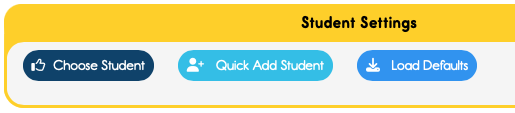
Now in the Sheet Builder, open the Yellow Student Settings card. The Load Defaults button in the upper right will call up these settings you just made in your Profile.