Digital First Letters Feature
Generate copyable digital text of first letters for oral practice and reference.
Digital First Letters
Sometimes you aren't needing to print your First Letters Only as a DittoSheet.
Sometimes you aren't needing to print your FLO at all!
Sometimes you need the DIGITAL First Letters so you can copy them to your clipboard and take them to another application.
Here's How...
In the Advanced Sheet Builder...
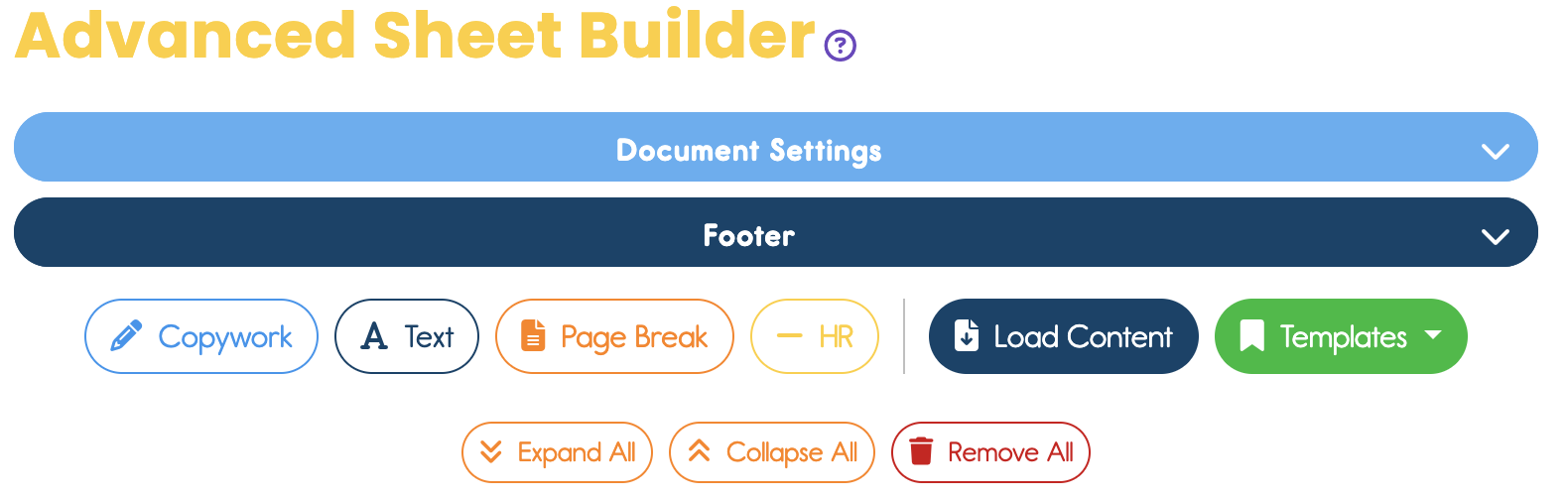
Add a copywork section. That's the white/blue button on the left.
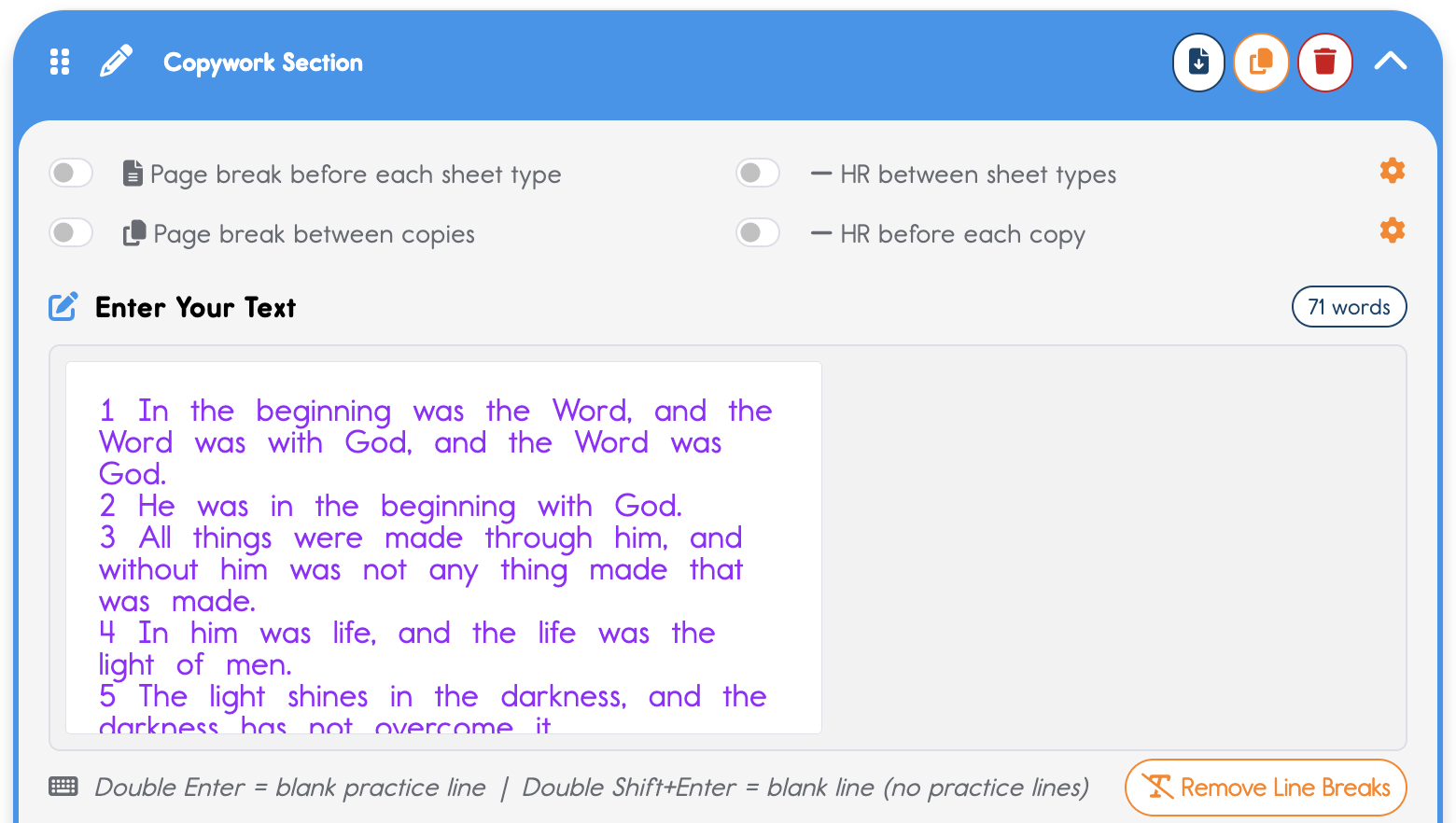
Paste your text into the text box. If you need to add line breaks, now's the time. I prefer to add them with each new verse. But for DIGITAL FLO, it may not matter to you where the line breaks are.
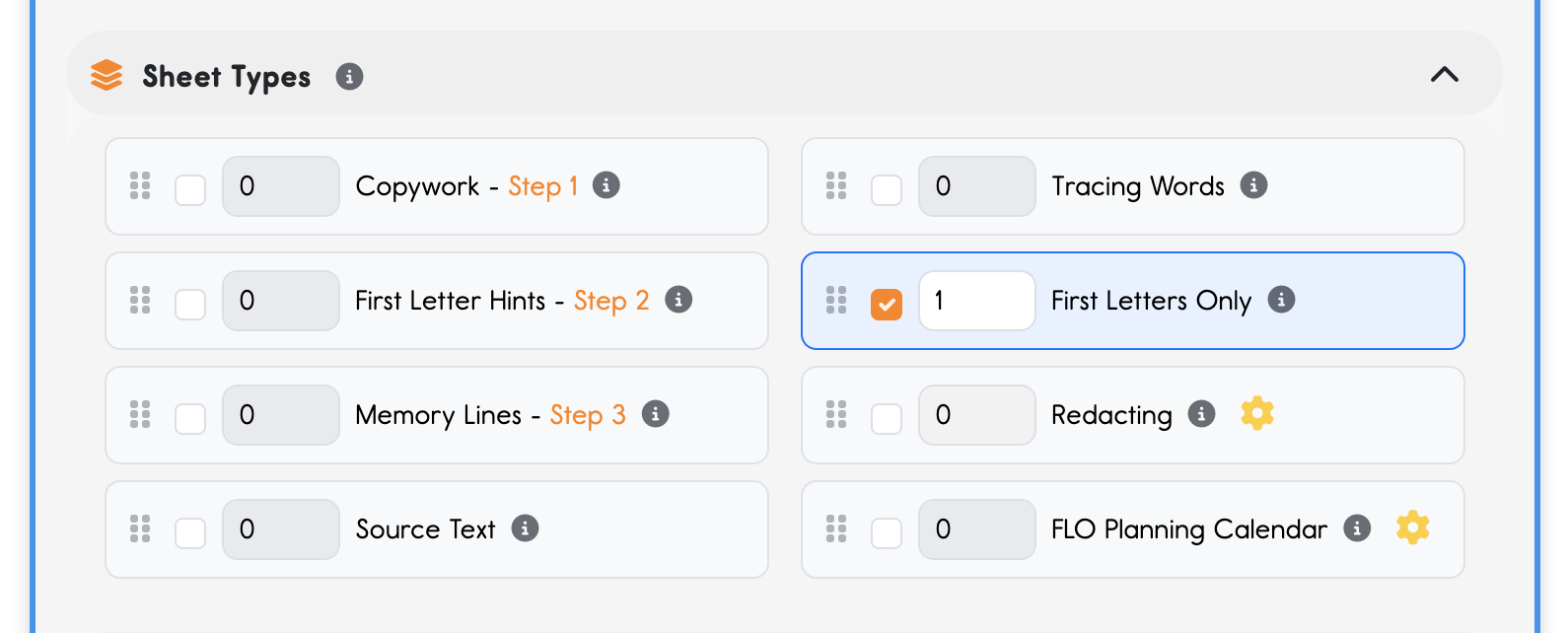
Next, below this is the Sheet Types part of this Copywork Section card. Tap that Sheet Types bar to open it up. Make sure First Letters Only is checked. (It's fine if there are other boxes checked.)
Now that you have FLO checked, you'll notice a new purple bar appear on the right...
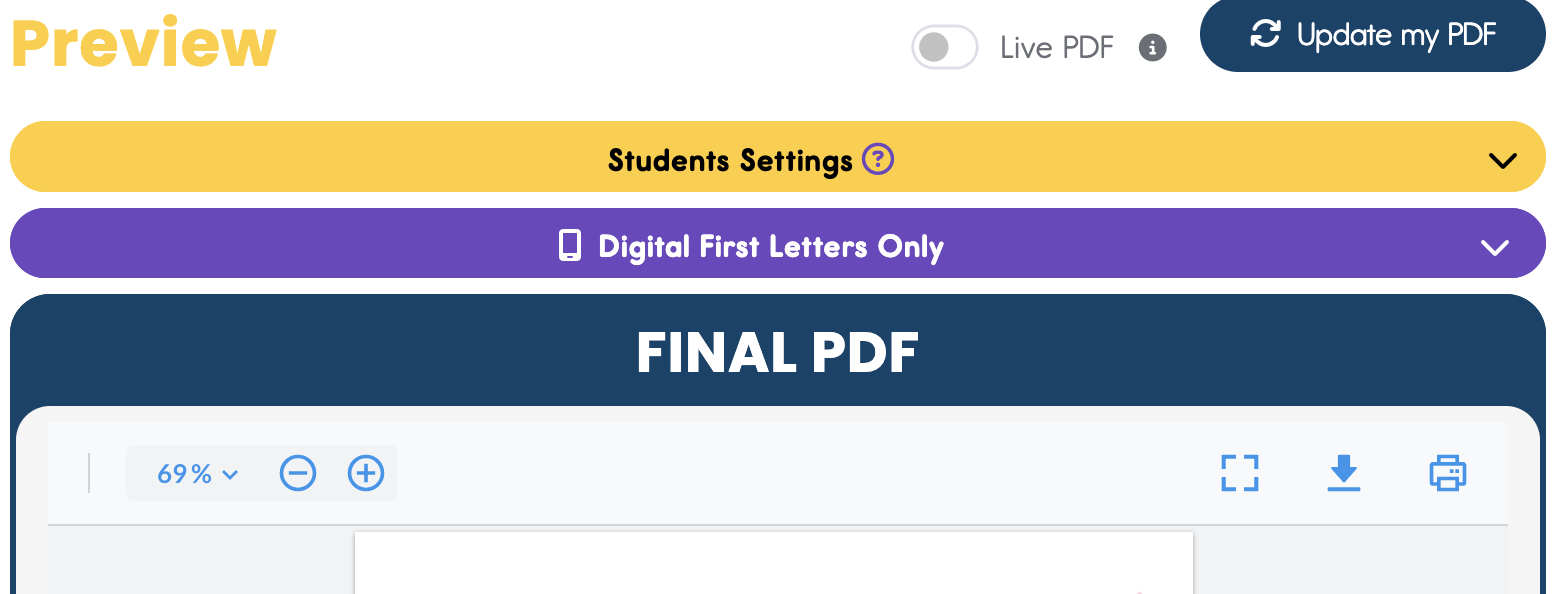
Open up that purple Bar. 🥁🥁🥁
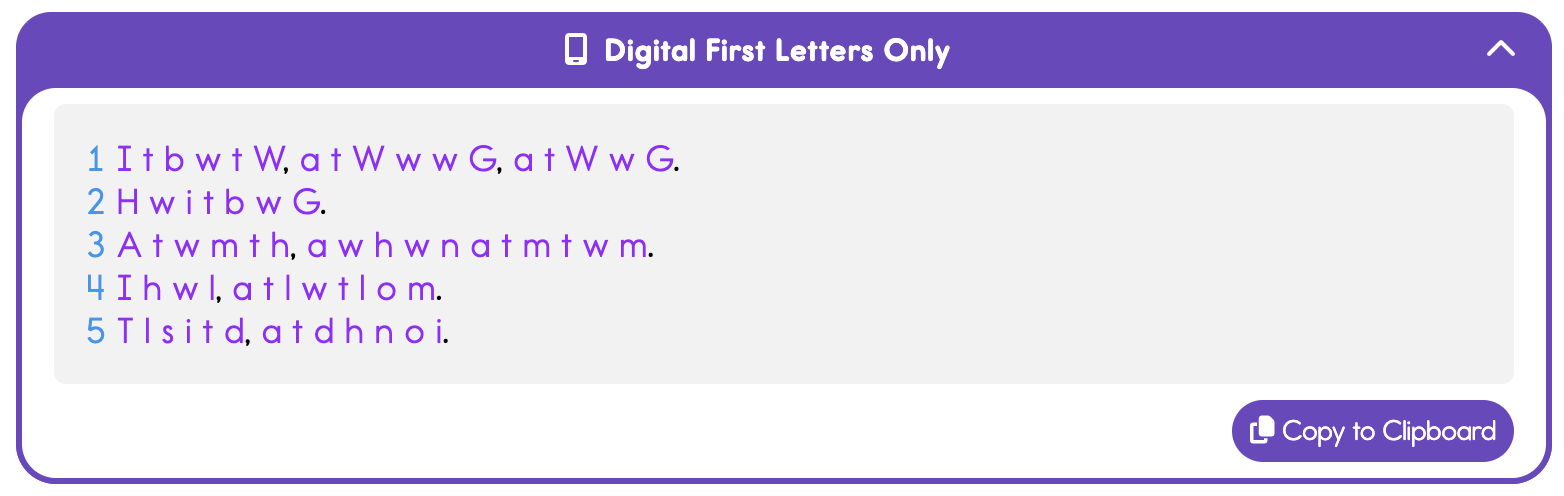
Hit the Copy to Clipboard button to add it to your clipboard.
Then go paste it where you need it!
🥳 Enjoy!
Thank you for being a Plus user of DittoSheets! 🧡