Tracing Darkness
Adjust the darkness of the in-line tracing letters
Tracing Darkness
The tracing darkness setting controls how visible the letters are.
This is found in the Body Section of the Sheet Builder.
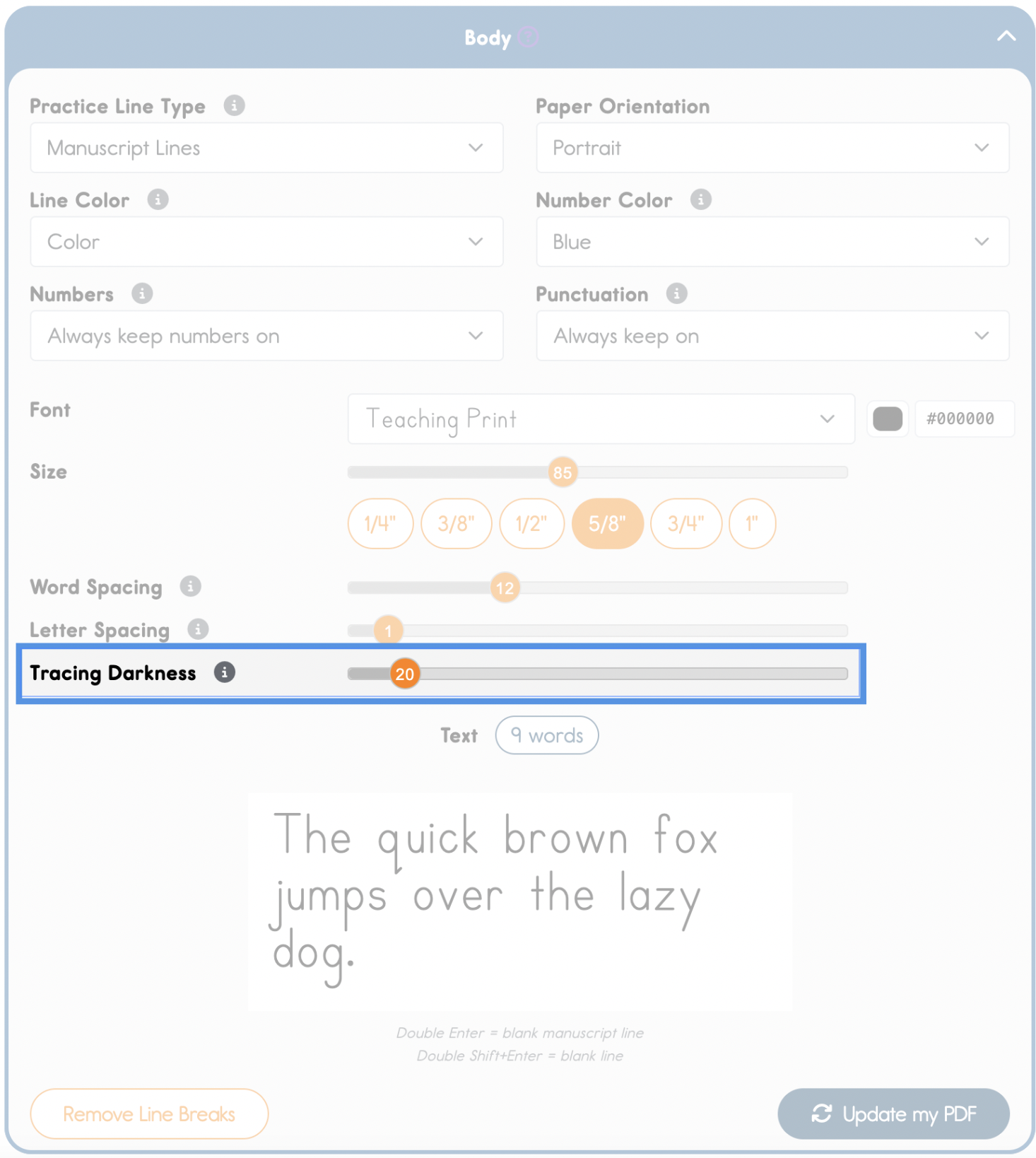
- Lighter settings (5-20%) - Letters are whisper light. After the student has traces his words, the more his handwriting is clearly perceived without the clutter of the worksheet text.
- Medium settings (25-50%) - Good balance of visibility and challenge.
- Darker settings (55-90%) - Letters are dark and clearly visible.
- The very darkest settings (95-100%) - Teachers may use this darkest setting when demonstrating where proper penmanship should sit on manuscript lines.